
You haven't signed in yet, you can have a better experience after signing in
*Please complete the payment within {{receiveCouponInfo.expire_at}}Previous use*
You haven't signed in yet, you can have a better experience after signing in



Activity Rules
1、Activity time:{{ info.groupon.start_at }} ~ {{ info.groupon.end_at }}。
1、Activity time:cease when sold out。
2、Validity period of the Group Buying:{{ info.groupon.expire_days * 24 }} hours。
3、Number of Group Buying:{{ info.groupon.need_count }}x。
Please Pay Attention
1、Teamwork process: Join/initiate a Group Buying and make a successful payment - Within the validity period, the number of team members meets the activity requirements - Group Buying succeeded!
2、If the number of participants cannot be met within the valid period, the group will fail, and the paid amount will be refunded in the original way.
3、The number of people required and the time of the event may vary among different products. Please pay attention to the rules of the event.
Scrivener 3 paper/novel writing tool artifact software
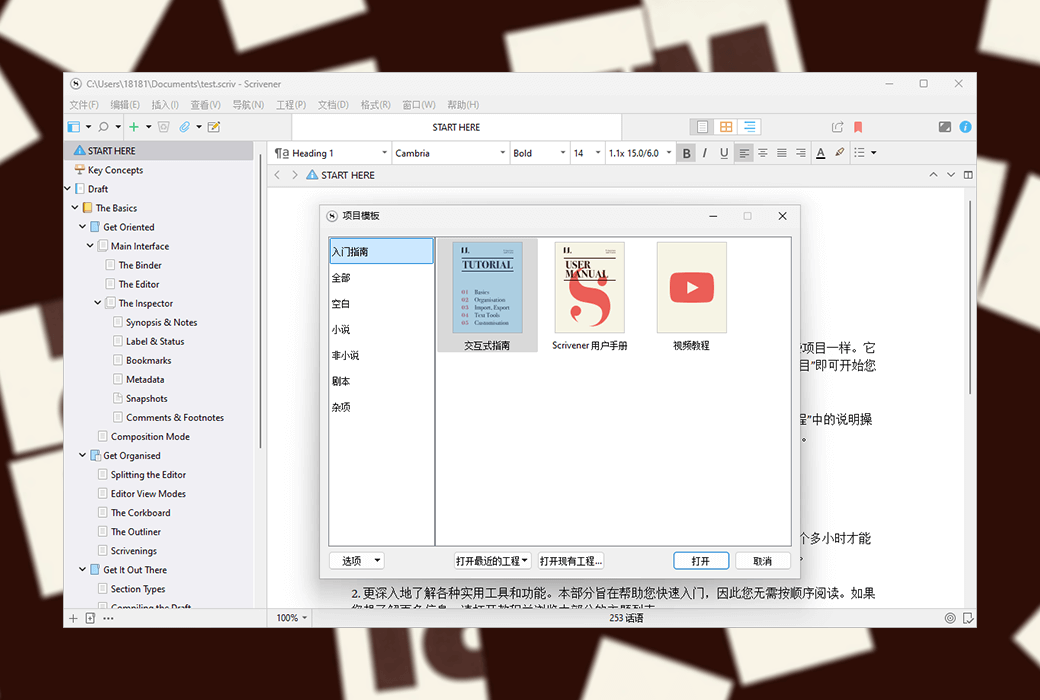
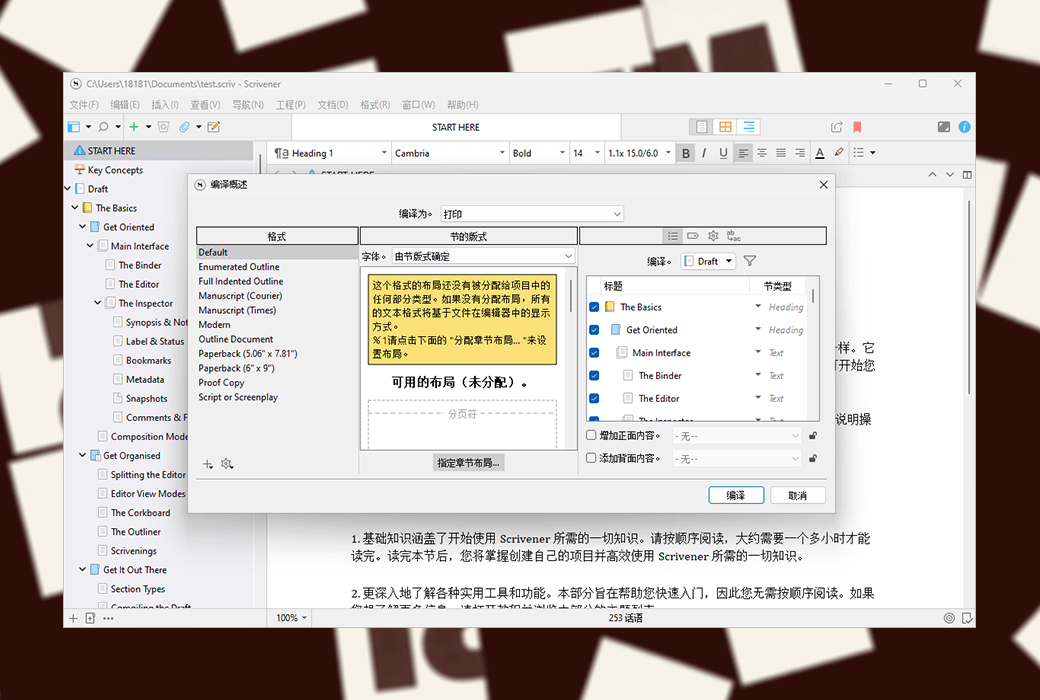
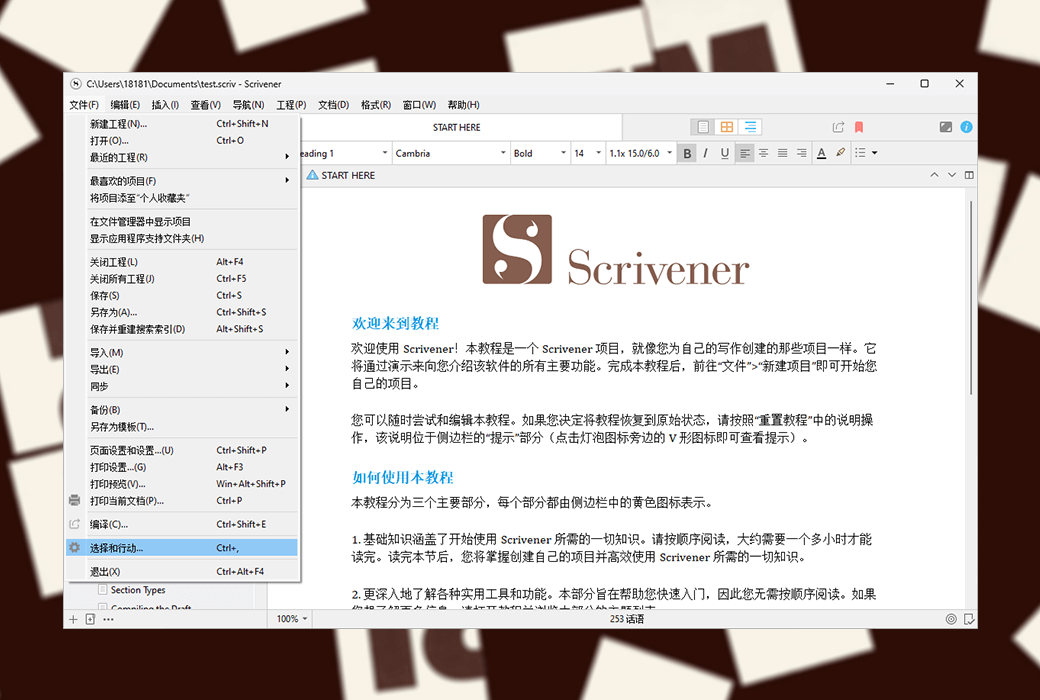
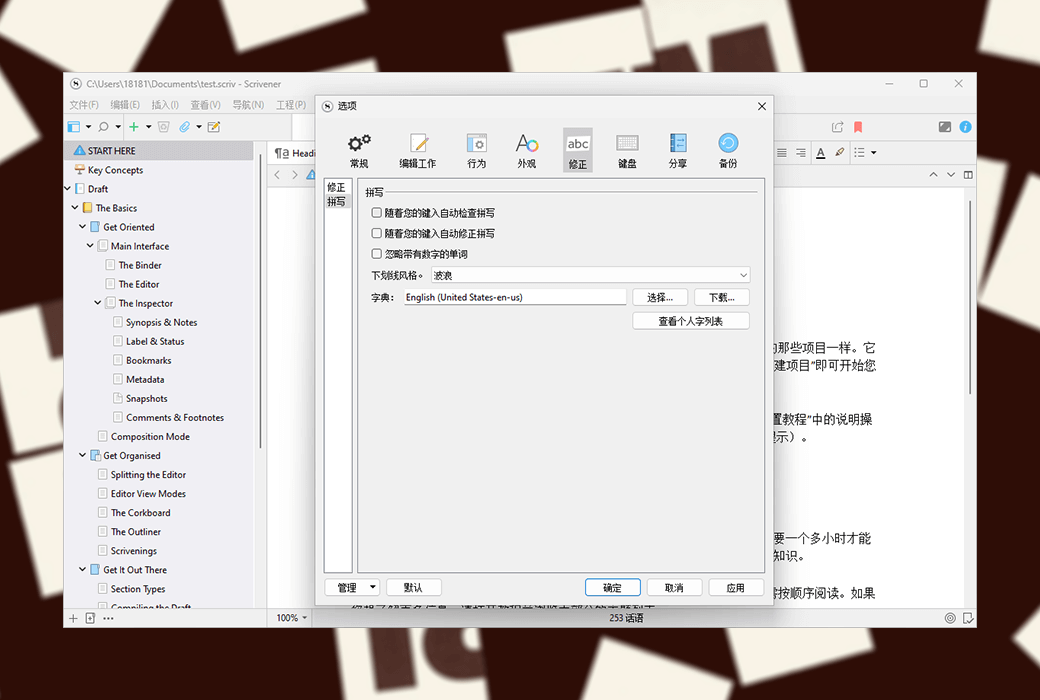
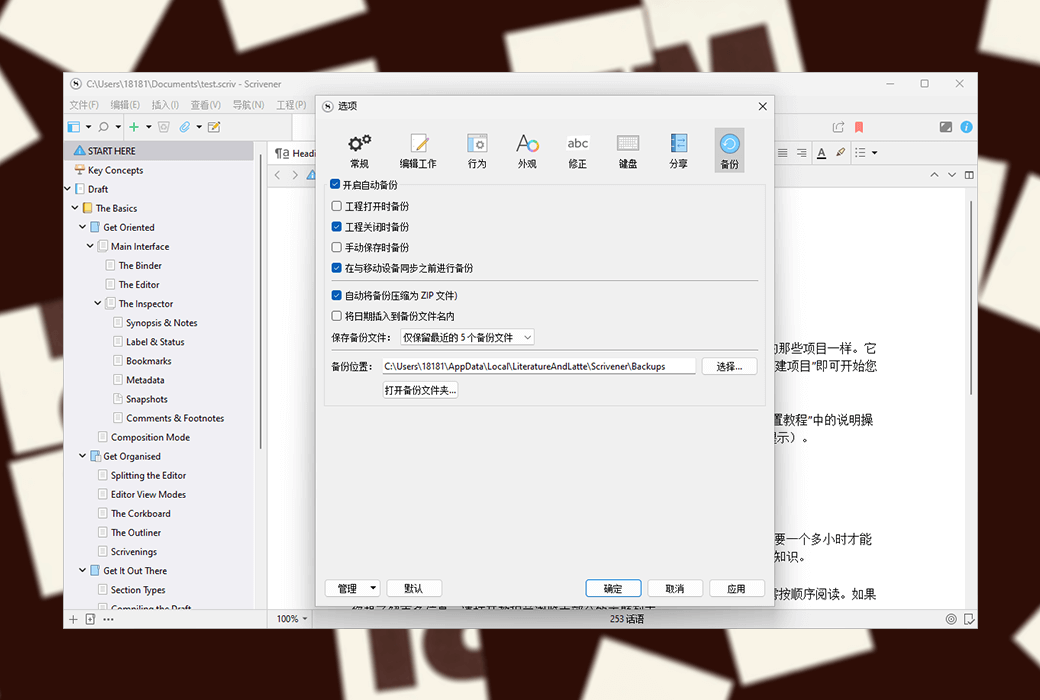
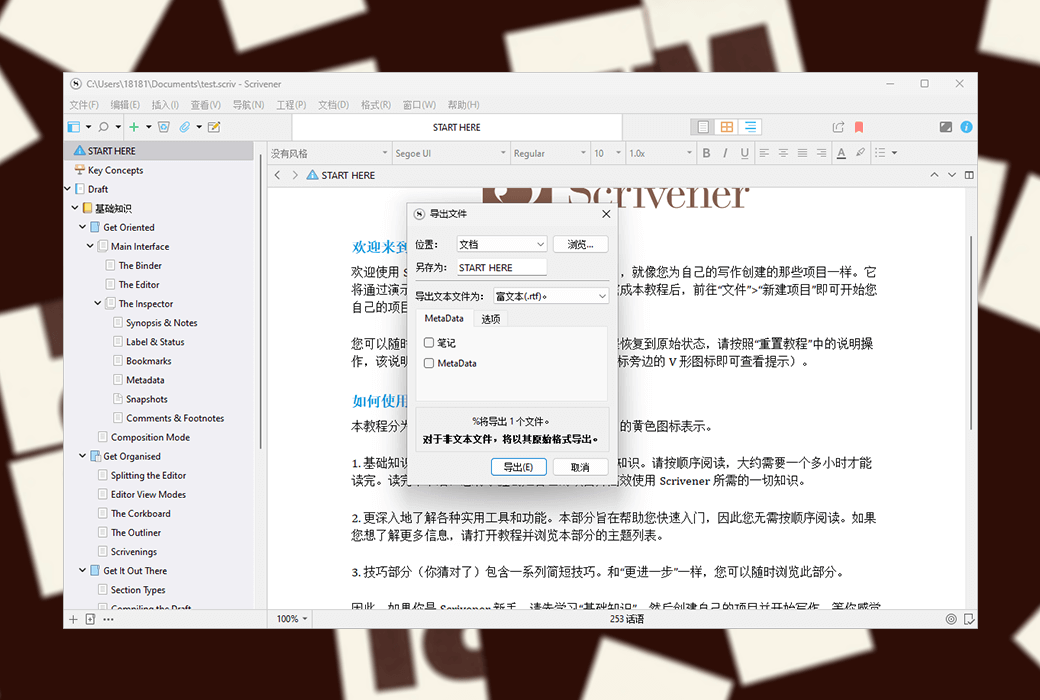
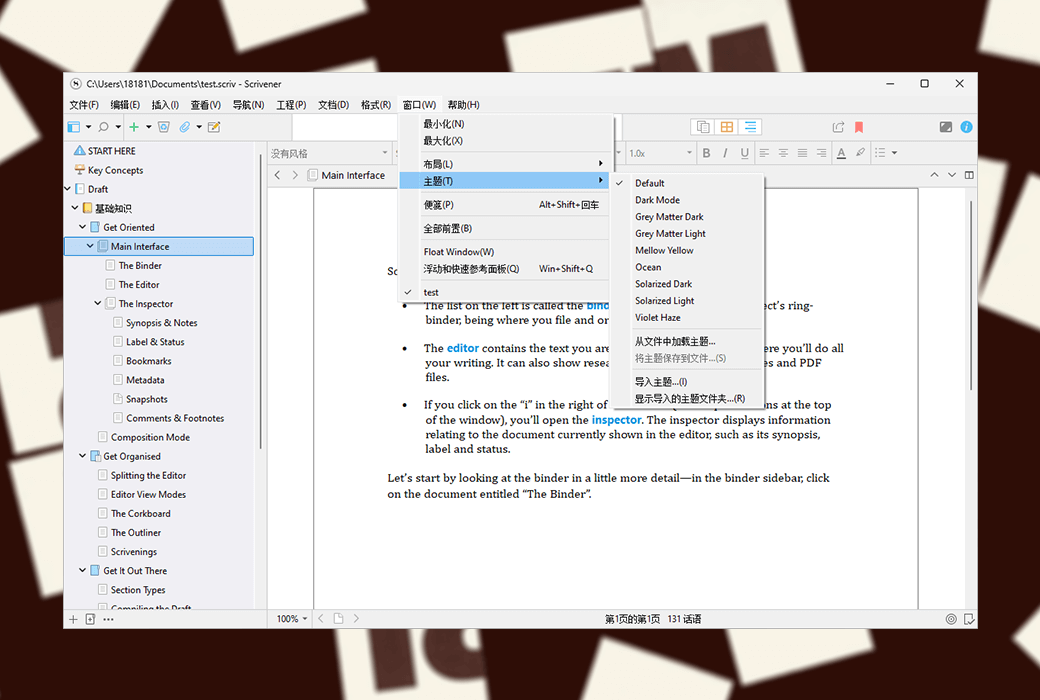
Scrivener is an excellent writing software that provides various writing assistance functions, such as annotating multiple documents, overview introductions, full screen editing, snapshots, etc. It can easily and conveniently assist authors in the entire writing process from ideation, data collection, organizational structure, addition, deletion, modification to layout output.
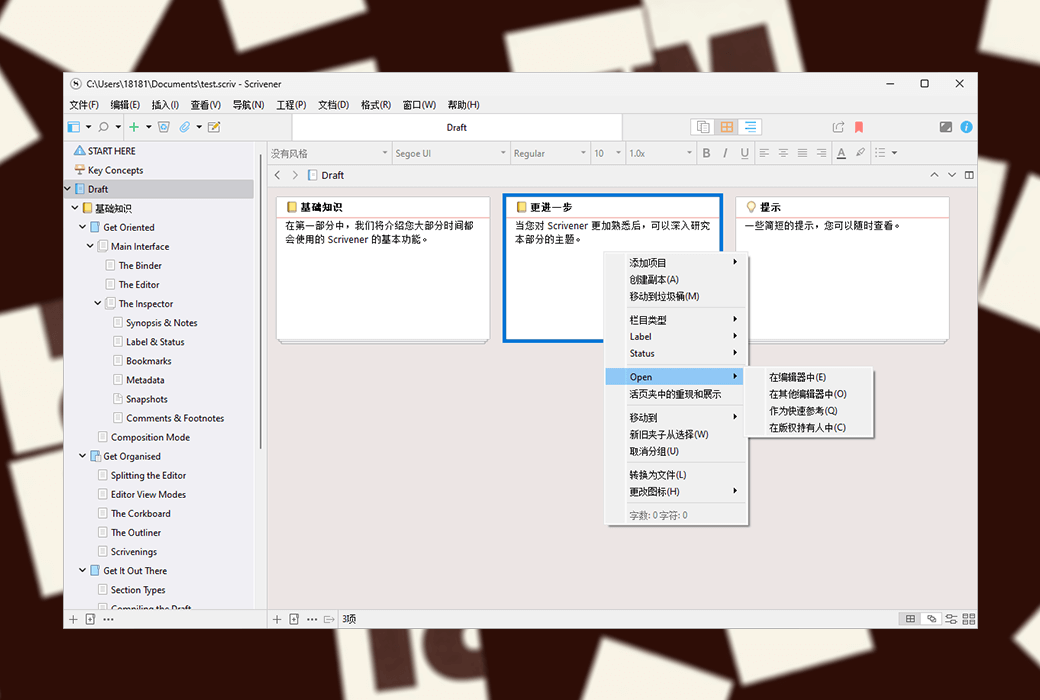
As a professional writing software, Scrivener's directory function is very powerful and flexible. After opening a new project, you will see the binder bar or directory tree on the left side of the interface. The root directory of the binder defaults to three folders, namely "Drafts", "Investigations", and "Garbage Bin". Draft "and" research "are easy to understand, with the former used to place the content of writing and the latter to place the collected information.
Full screen writing
Full screen writing is a common feature in various writing software. In full screen mode, you can set text zoom, paper position (center, left, right), paper width, and light background by yourself.
In full screen mode, the software defaults to typewriter mode, which means that the line being inputted will automatically be placed in the middle of the screen, and there is no need to wait until it reaches the bottom of the screen. The content will jump up line by line, which is quite user-friendly.
Of course, in non full screen mode, you can also set the typewriter scrolling mode by yourself. In addition, it is very convenient to directly use keyword search, viewer, and document jump functions in full screen mode.
Note taking function
Generally speaking, Scrivener has three types of notes: document notes, engineering notes, and memo pads.
Document notes belong to a single document and can only be seen within the corresponding document.
Engineering notes are the notes of the entire project. Suitable for placing commonly used materials in current projects.
A notepad is equivalent to a loose leaf notebook, shared by all Scrvener projects. Its content can be sent to any designated location in any project at any time.
Official Website:https://www.literatureandlatte.com
Download Center:https://scrivener.apsgo.cn
Alternate Download: N/A
Delivery Time: Automatic delivery within 24 hours
Operating Platform: Windows, macOS
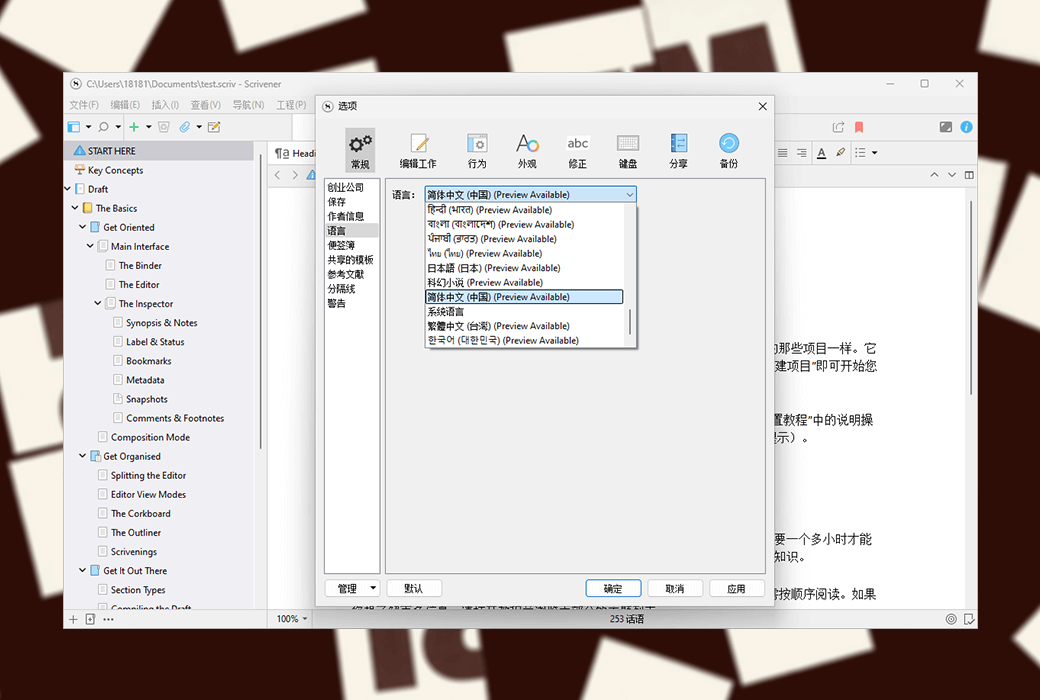
Interface Language: Supports Chinese interface display, with multiple languages available.
Update Instructions: The current version is valid for life and supports minor version updates and upgrades
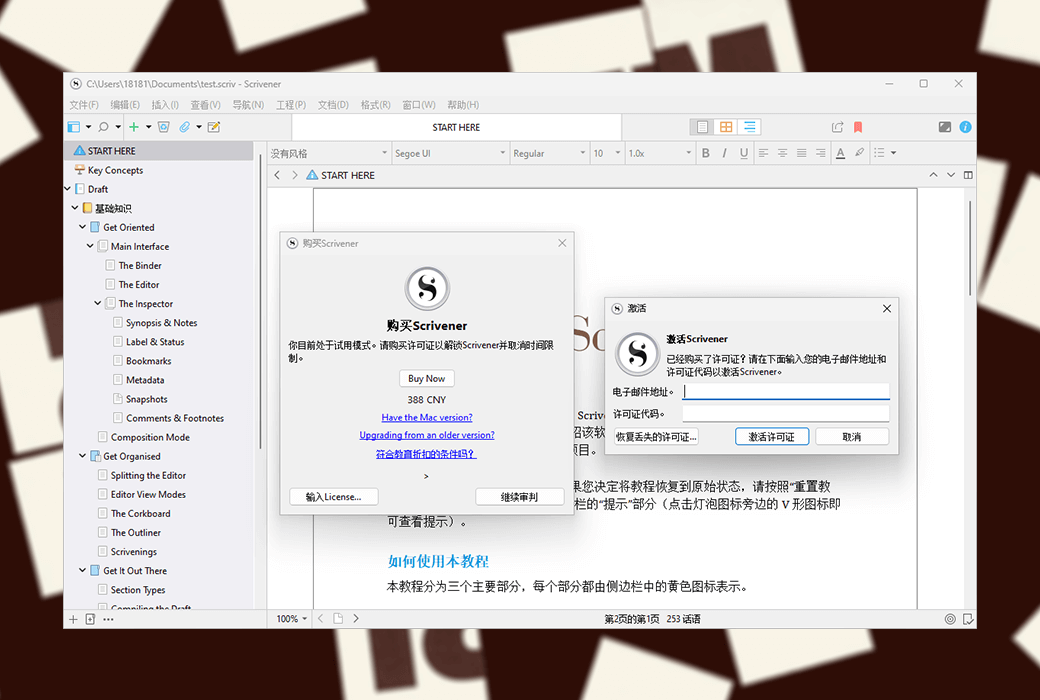
Trial Before Purchase: A limited free version is available for use before purchase.
How to Receive Your Product: After purchase, the activation information will be sent to the email address used for the order. You can also view the corresponding product activation code in your personal center, under "My Orders".
Number of Devices: You can install on all your devices (Windows/macOS).
Changing Computers: Uninstall on the old computer and activate on the new one.
Activation Guide:https://scrivener.apsgo.com/forum/2978
Reference Materials:https://scrivener.tenderapp.com/help/kb/purchasing-and-installation

Any question

End User License Agreement
Scrivener and Scapple offer a generous "family sharing" license. This means that as the primary user or owner, you can install Scrivener or Scapple on multiple computers on the same platform, and devices used by your immediate family members living with you can also install it. Separate licenses are required for different platforms (e.g., a Mac license cannot be used on a Windows computer). Business users need to purchase separate licenses for each employee (site license plans can also be negotiated).
This End User License Agreement has been included with the software as a gift. However, if you wish to review the terms and conditions or retain a paper copy before purchasing, you can download a PDF copy of the agreement through any of the links below.
Please note: The above license only applies to copies of Scrivener or Scapple purchased directly from our official online store or authorized resellers such as Amazon. If you purchase through the Apple App Store, the relevant license will be provided by Apple, and all rights and restrictions described in this document will not apply.
.